General & Account Setup
What exactly is BuildYourStore.ai and how does it differ from a standard Shopify store?
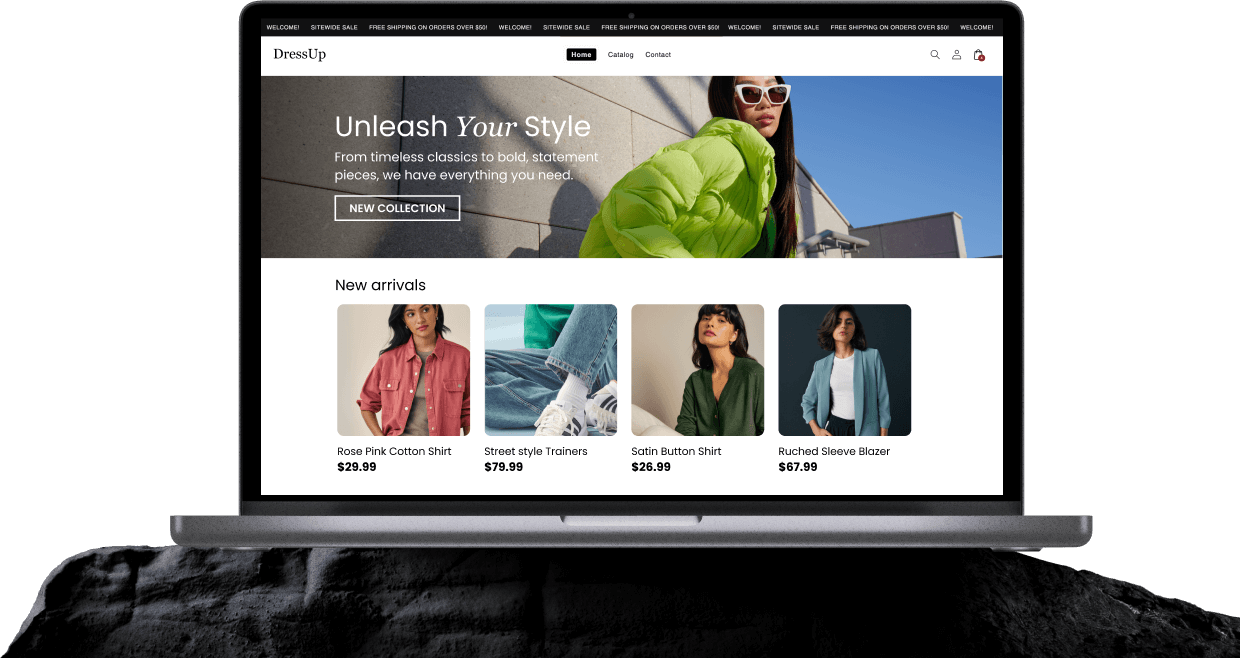
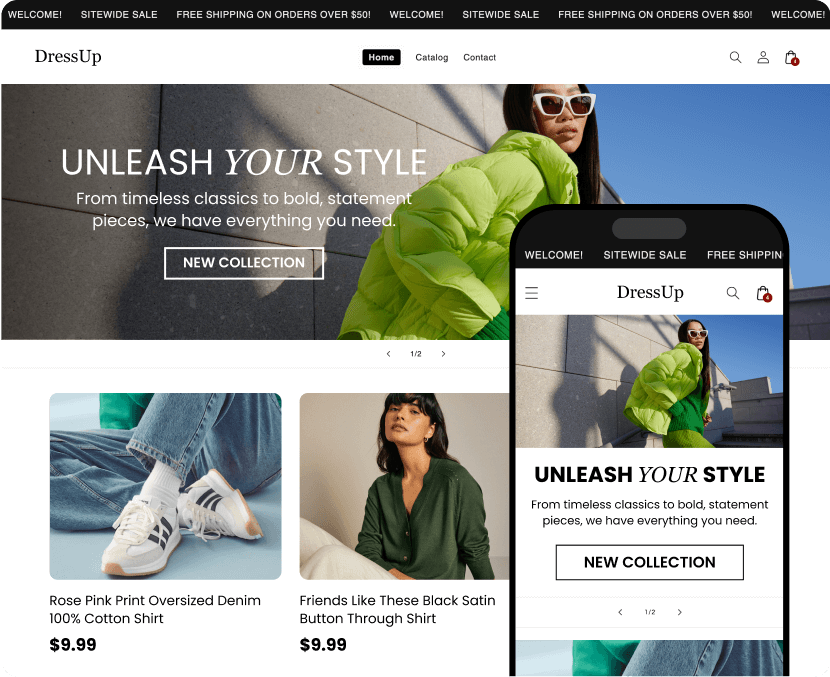
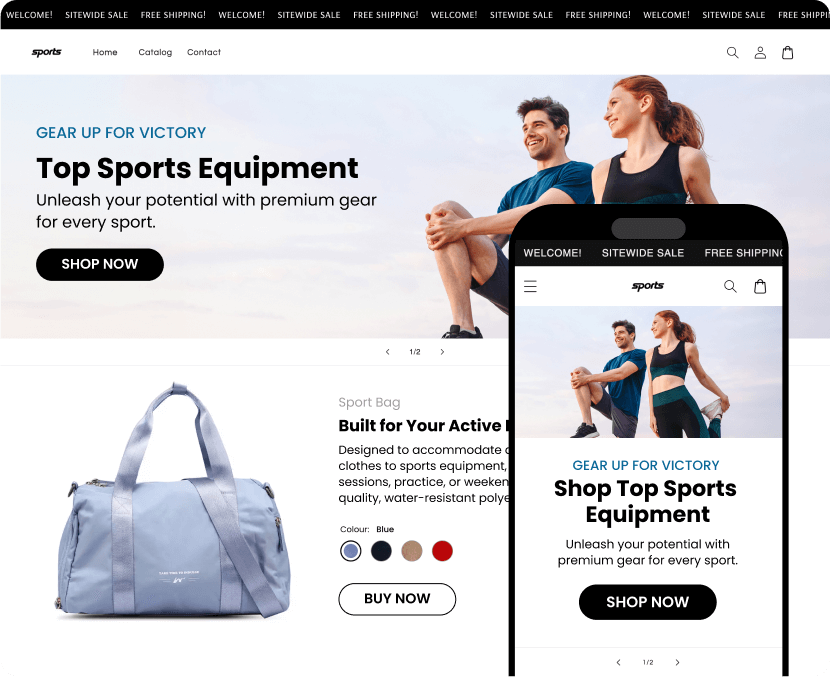
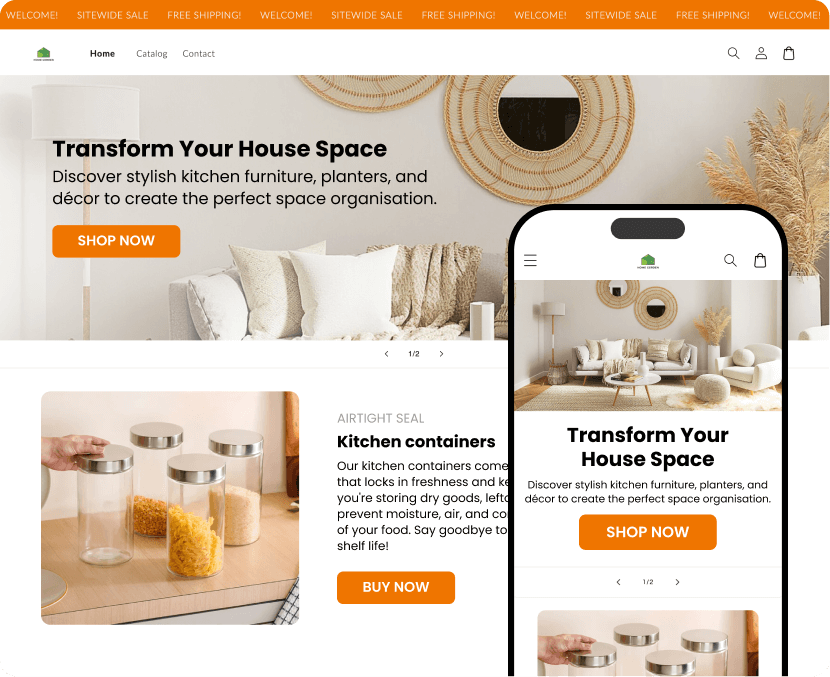
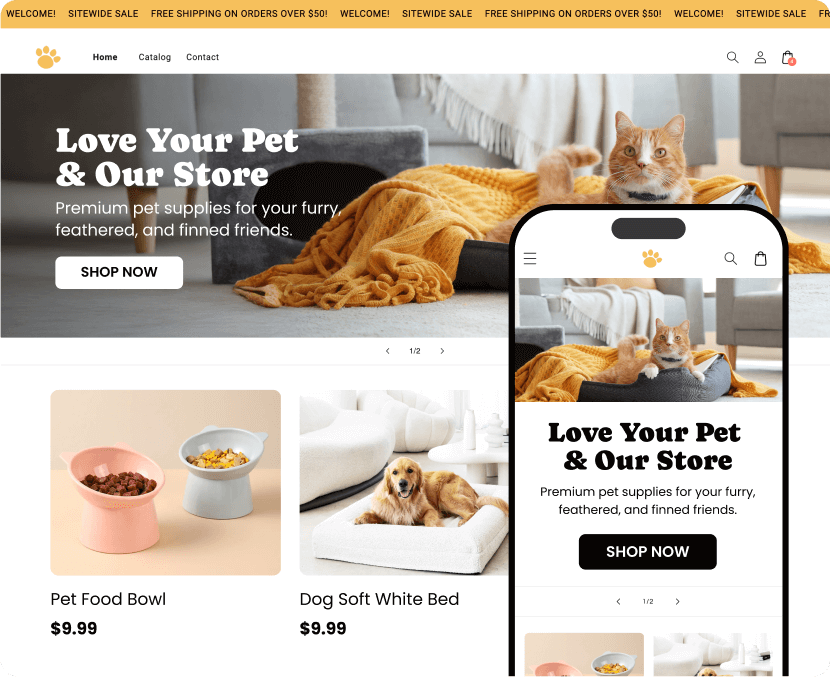
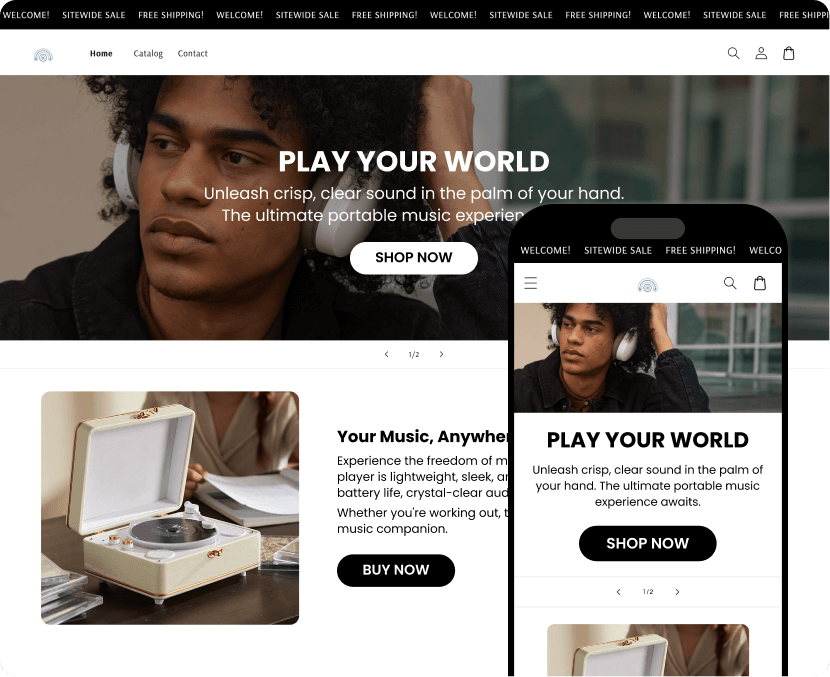
BuildYourStore.ai is an automated store builder tool that uses artificial intelligence to do the heavy lifting of starting an ecommerce business. Instead of starting with a blank page, our AI selects a trending niche, designs a professional theme, generates website copy, and pre-loads your store with high performing dropshipping products. It essentially allows you to launch in minutes rather than weeks.
Is BuildYourStore.ai free to use, or are there hidden costs?
The BuildYourStore.ai tool itself often allows you to generate your initial store layout for free (or as part of a trial). However, to take your store live and accept payments, you must connect it to a Shopify account, which requires its own subscription (often starting with a $1/month trial). Additionally, if you use supplier integration tools like AutoDS to manage your orders, a separate subscription may be required after their trial period ends.
Do I need any coding or design skills to use this platform?
Absolutely not. The platform is built specifically for beginners. The AI handles all the technical coding, layout design, and mobile optimization for you. Once the store is handed over to you, you can make edits using Shopify’s simple "drag-and-drop" editor if you want to change images or text.
Products & Dropshipping
Where do the products in my store come from, and do I need to buy inventory?
Your store is set up on a dropshipping model. This means the products are sourced via a seamless integration with AutoDS, the leading all-in-in-one dropshipping platform. You do not need to buy stock upfront or hold inventory in a warehouse. When a customer buys an item from your store, the order is automatically forwarded to the supplier, who ships the product directly to your customer.
Can I add my own products or change the ones the AI selected?
Yes. While the AI pre-loads your store with trending products to help you start quickly, you have full control. Once you log into your Shopify dashboard, you can delete any product you don't like and add new ones — whether they are other dropshipping items, print-on-demand goods, or your own handmade inventory.
Management & Customization
Once the AI builds the store, do I own it 100%?
Yes. Once the handover process is complete and you have connected your Shopify account, you are the full legal owner of the store, the customer data, and the branding assets. You can sell the business, change the domain, or move platforms in the future if you choose.
Can I customize the design, logo, and text after the store is built?
Yes. The AI provides a strong foundation, but you can feel free to make any changes you want. You can access the Shopify Theme Editor to change colors, upload a new logo, rewrite product descriptions, or add new pages (like About Us or a Blog) whenever you like. We encourage customization to help your brand stand out!
Payments & Shipping
How do I get paid when a customer makes a purchase?
Since your store runs on Shopify, you will use Shopify Payments or third-party gateways like PayPal or Stripe. You will need to set this up in your Shopify settings under "Payments." Funds from sales are deposited directly into your bank account according to the payout schedule of the provider you choose (usually every 1-3 business days).
How are shipping rates and delivery times handled?
The AI sets up basic shipping profiles for you, but you should review them. Since products ship from suppliers (often from China or local warehouses), shipping times can vary from 7 to 20 days depending on the supplier. We recommend checking the shipping settings in your supplier app (i.e. AutoDS) to ensure you are charging customers the correct shipping fees or offering Free Shipping to increase conversions.
Support & Troubleshooting
I’m having trouble accessing my domain or store settings. How can I get help?
If you have issues with the store build process, you can contact our support team at
[email protected]. However, once your store is transferred to Shopify, technical issues regarding payments, themes, or app charges are best handled by Shopify Support (available 24/7). For product fulfillment issues, you should contact the support team of the supplier app you are using (i.e., AutoDS).